
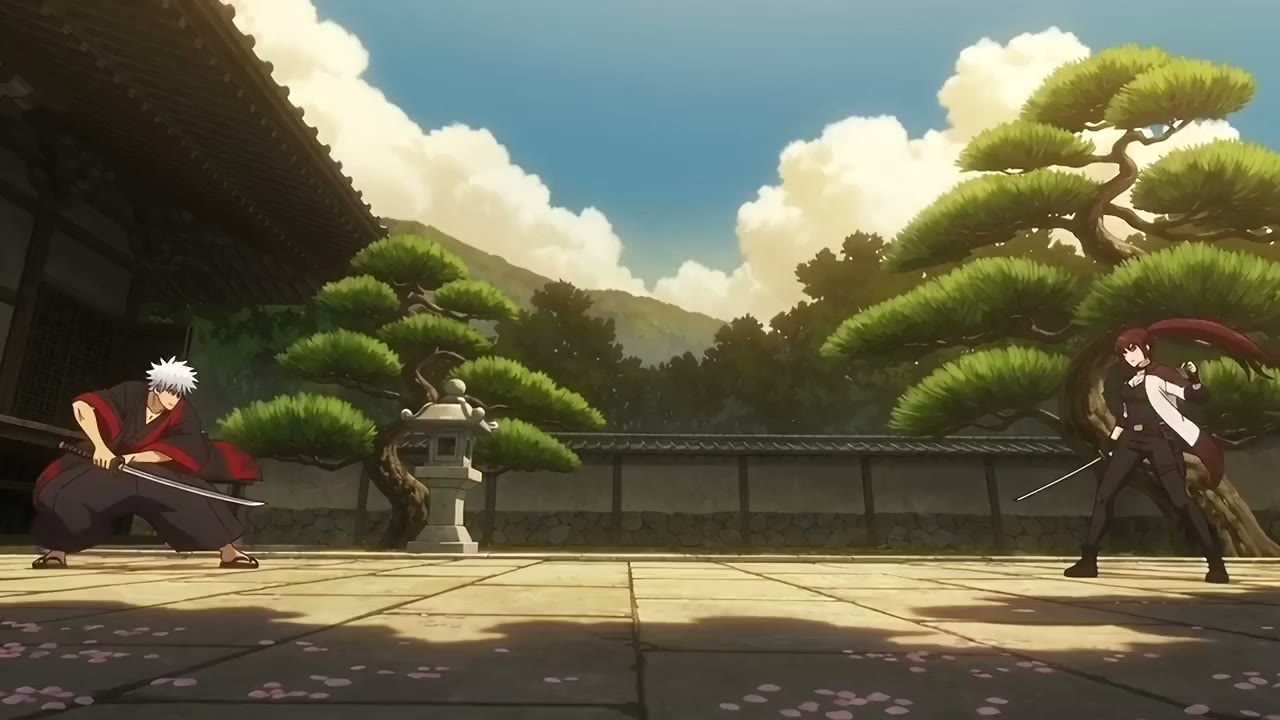
AI Anime Video Generator
for Every Hero, World, and Story
How it works
From idea to anime in three steps
VIXAL is an AI anime video generator that turns a written scene into a short anime clip. Create a character once, from a photo or a description, and every shot keeps the same face, hair and outfit.
- 01
Describe a scene
Write what happens in plain words. Cast yourself, your friends or any character you dream up.
- 02
Watch it move
VIXAL turns each scene into an anime clip, keeping faces and outfits the same from shot to shot.
- 03
Share it
Put your scenes in order, add text and fades, then export one video for TikTok, Reels or Shorts.
What you can make
Any anime moment you can describe
Write the scene in plain words. VIXAL handles the drawing, the motion and the camera.
An anime version of you
Upload a photo and VIXAL draws you as an anime character, then puts you in any scene you write.
Image to anime video
Start from a picture you made or uploaded and turn it into a moving anime clip.
Fight scenes
Rivals, power ups and big hits. Describe the battle and watch it play out shot by shot.
Love stories
Rooftop confessions, cherry blossoms, a first date. Cast your own characters in a romance.
Anime openings
Cut several scenes together with titles and music to make the opening of your own series.
TikTok, Reels and Shorts
Make tall 9:16 videos with text on screen and your own music, ready to post.
Frequently Asked Questions
What can I make with VIXAL?
Short anime videos from your own ideas: a fight with your friends, a love story, a big game, anything you can describe. VIXAL also makes manga and comic pages.
Can I turn a photo of myself into an anime video?
Yes. Add a photo when you create a character (PNG, JPG or WebP up to 10 MB) and VIXAL draws an anime version of that person on a character sheet. Put them in any scene and they stay recognizable from shot to shot.
Do I need any animation skills?
No. Describe the scene in plain words and VIXAL does the animation. Not happy with a scene? Make it again until it looks right.
How do characters stay the same in every scene?
Create a character once and VIXAL draws a character sheet for it. Every scene you add them to follows that sheet, so faces, hair and outfits stay consistent.
How long can an AI anime video be?
Each scene is 10, 20 or 30 seconds, at 480p or 720p. Add as many scenes as you like to the timeline and export one video of up to 10 minutes.
Which video shapes can I make?
Wide (16:9) for YouTube, Tall (9:16) for TikTok, Reels and Shorts, and Square (1:1) for feeds.
Can I add text and sound?
Yes. In the editor you can put text on screen, set the sound level of each clip and add fades, then export one video ready to share.
Can I post my anime videos on TikTok, YouTube or Instagram?
Yes. You own what you make, and you can export in the right shape for each app. One honest note: AI models can produce similar results for different people, so we cannot promise every video is unique. Our Terms have the details.
How does pricing work?
You buy a credit pack once, with no subscription. Each scene costs credits based on its length and resolution, and you see the price before you make it.
Is there a free trial?
No, there is no free tier. Packs start at $15 with no subscription. If you have used 100 credits or less within 14 days of buying, you can ask for a full refund once per account.
Your story, now in anime
Describe your first scene and watch it move.