
Dream it in words.
Watch it come alive.
How it works
Three chapters to your first story
Type a scene. VIXAL turns it into a manga page or a moving anime clip, and your characters stay themselves in every frame.
- 01
Cast your heroes
Describe a character or drop in a selfie. VIXAL keeps their face, hair and outfit steady from one scene to the next.
- 02
Set the scene
Write it like you'd tell a friend: a rooftop at dusk, a rival's smirk, the first punch. No drawing skills needed.
- 03
Roll camera
Get a finished manga page or a moving anime clip. Tweak it, then share it, print it or publish it.
Made with VIXAL
Six styles, one story
Black and white manga, full color webtoon, retro comics and storyboards. Your script, drawn in the style it deserves.
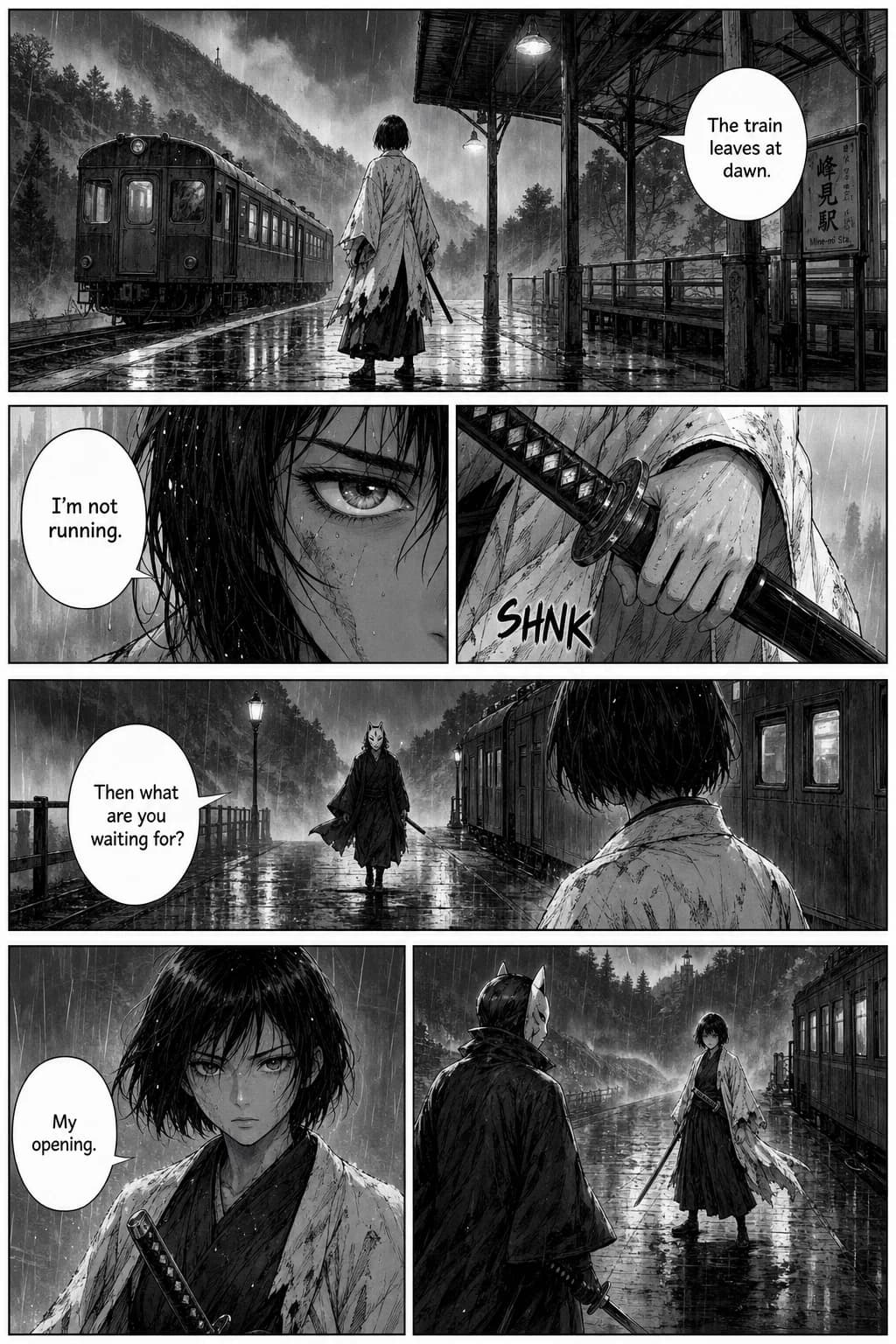
Manga (B&W) 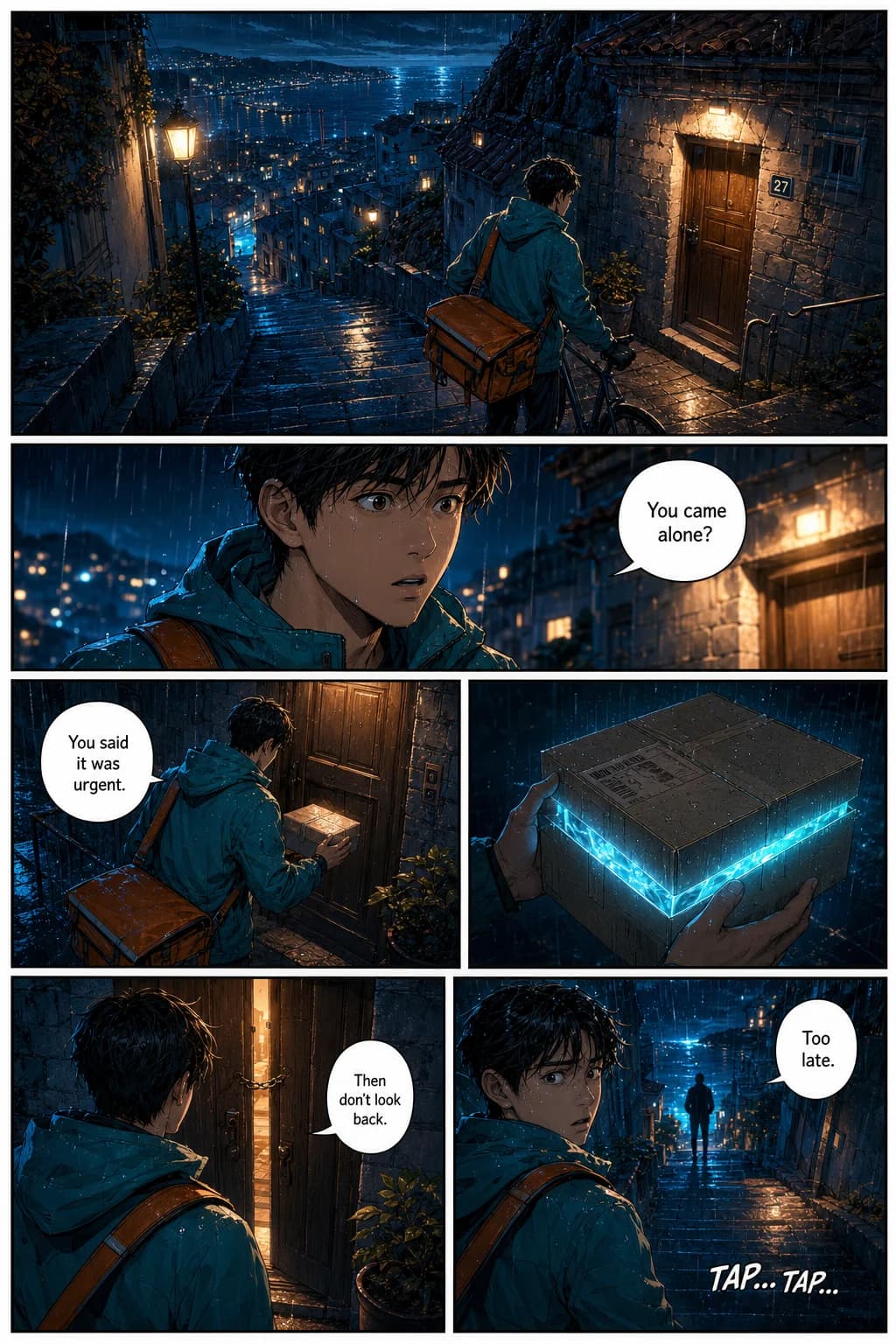
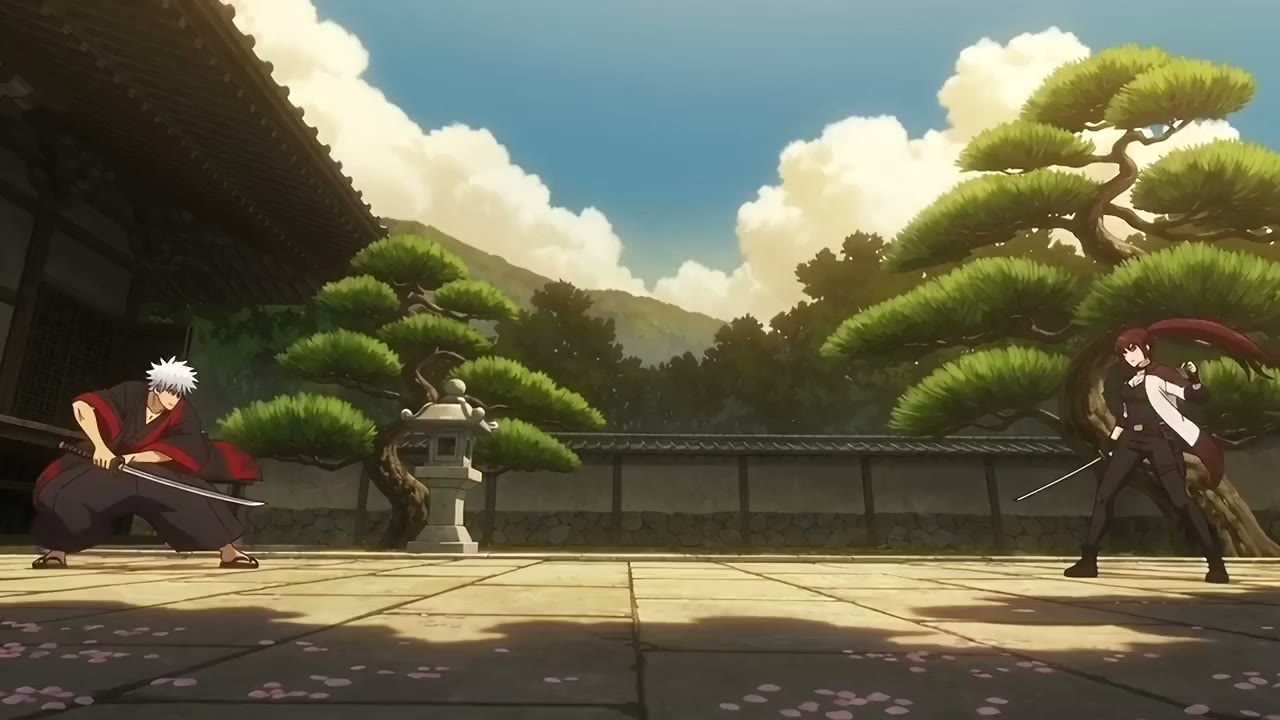
Anime / Color 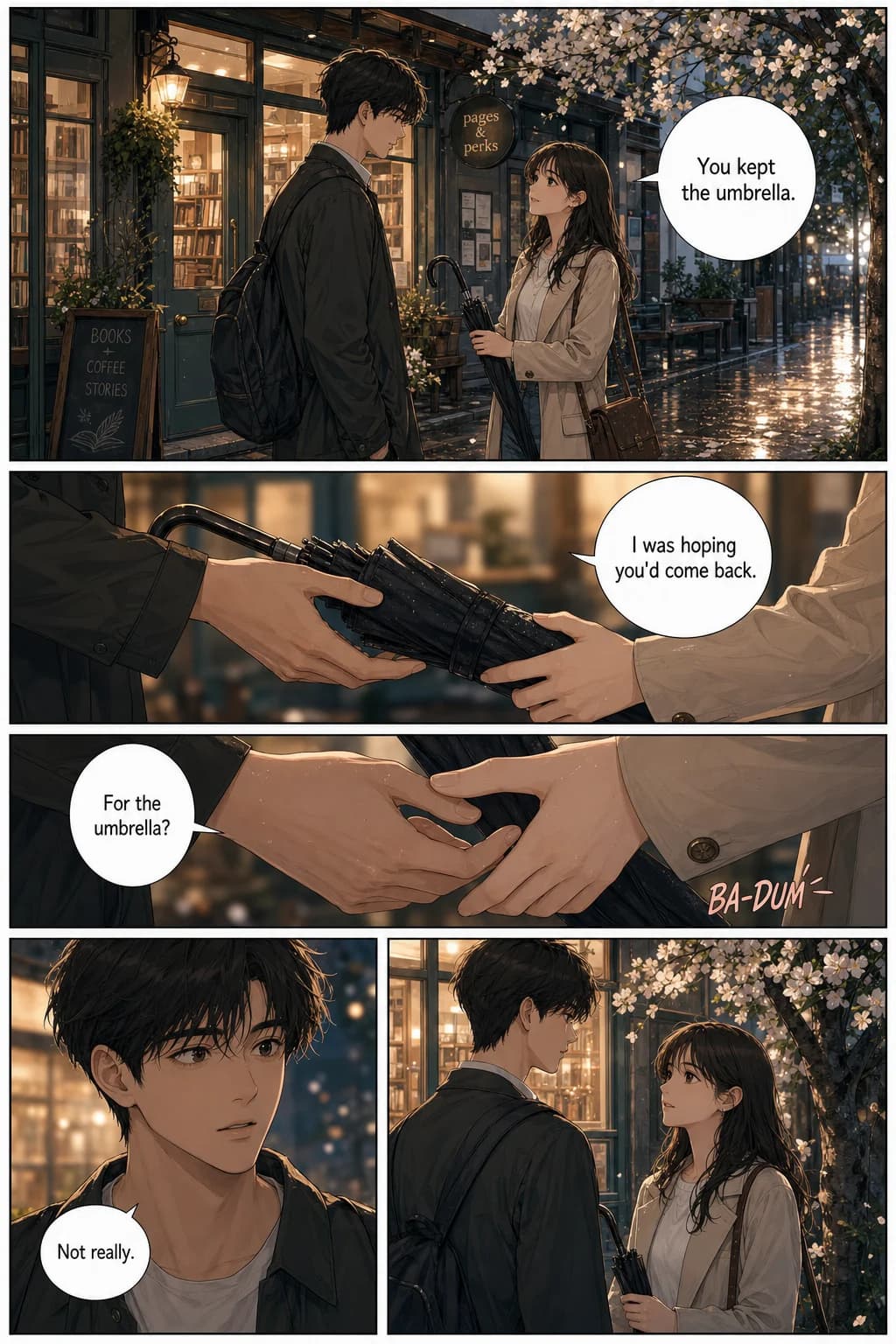
Webtoon / Manhwa 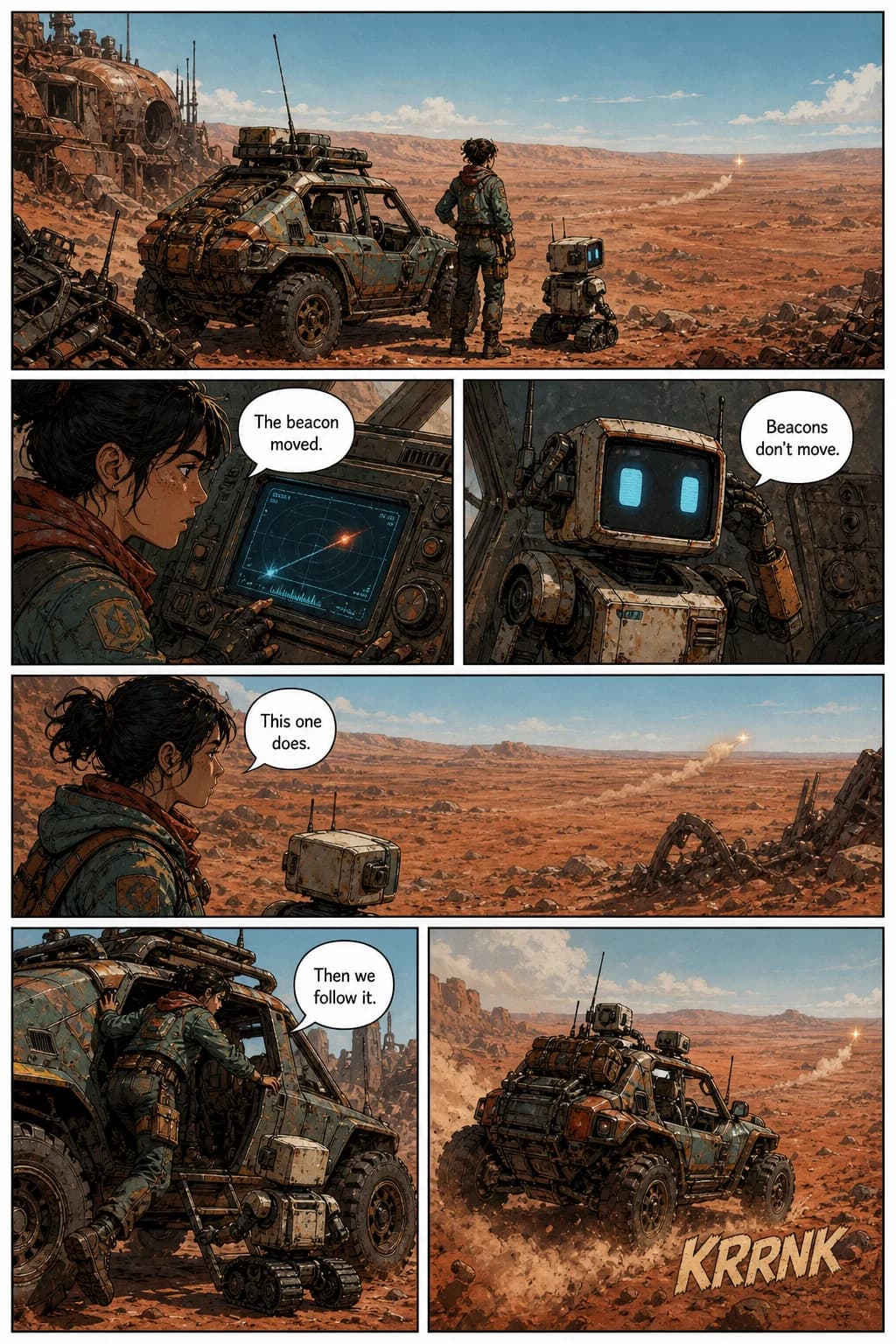
Retro (1950s) 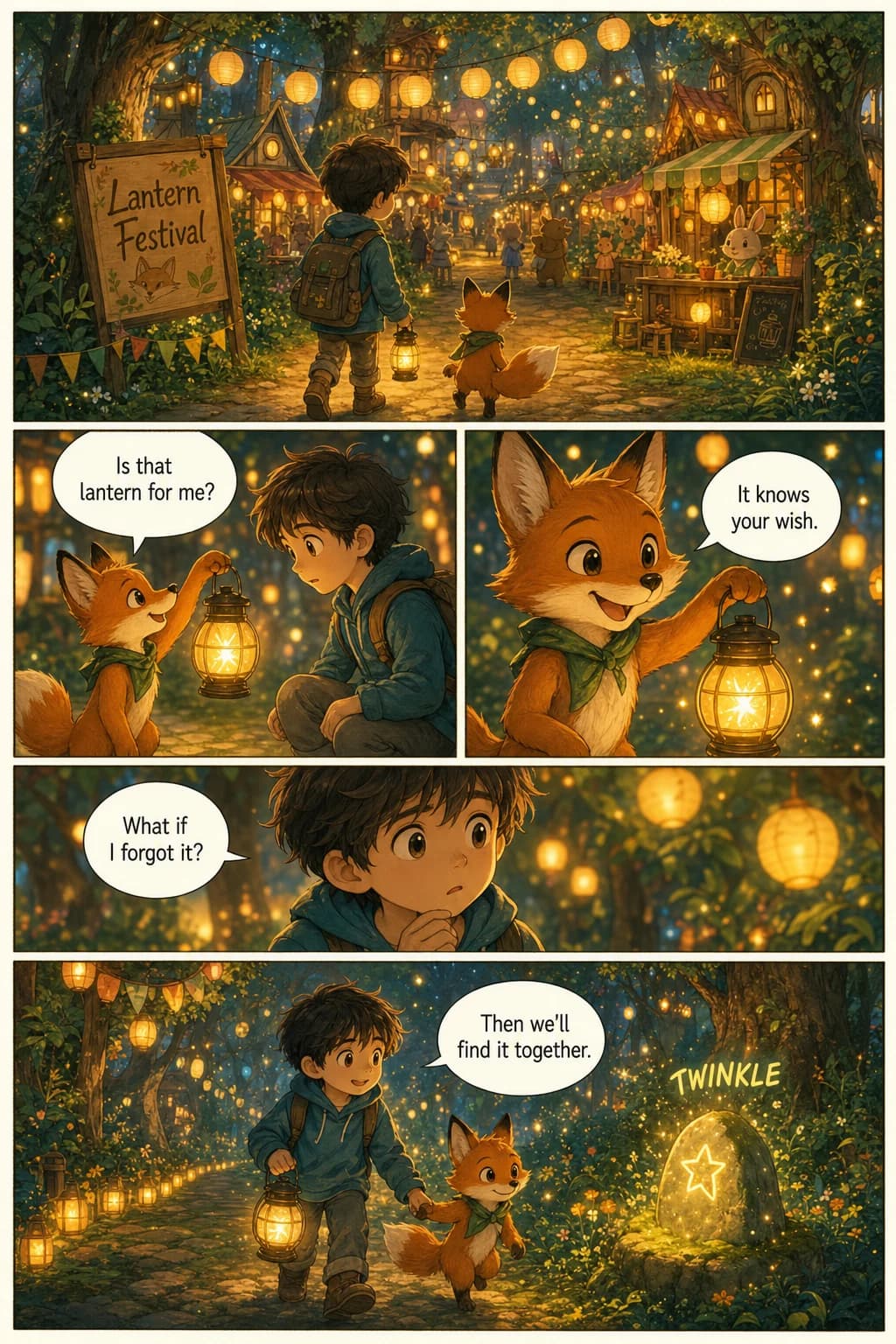
Comic Book 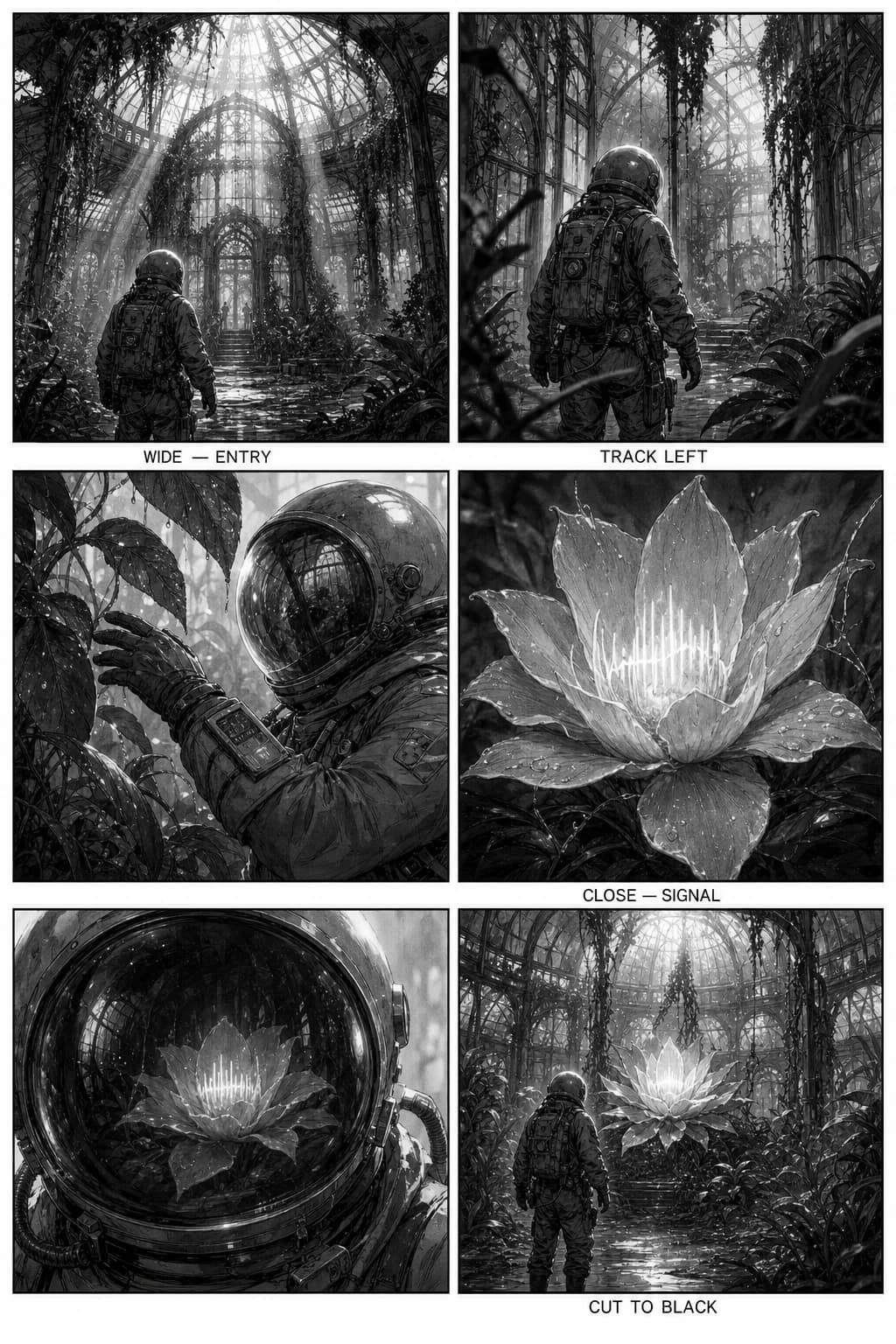
Storyboard
Why creators stay
Built for storytellers
Same face, every frame
Characters keep their look across scenes, pages and chapters, so readers never lose track of who's who.
A canvas for whole chapters
Lay out pages, group them into chapters and put them in order. Your story stays in one place.
Ready for the feed
Export tall 9:16 videos with text and music for TikTok, Reels and Shorts.
Ready for print
Download pages anytime or build an A4 PDF with bleed that a print shop will accept.
Before your first chapter
What can I make with VIXAL?
Short anime videos from your own ideas: a fight with your friends, a love story, a big game, anything you can describe. VIXAL also makes manga and comic pages.
Can I turn a photo of myself into an anime video?
Yes. Add a photo when you create a character (PNG, JPG or WebP up to 10 MB) and VIXAL draws an anime version of that person on a character sheet. Put them in any scene and they stay recognizable from shot to shot.
How do characters stay the same in every scene?
Create a character once and VIXAL draws a character sheet for it. Every scene you add them to follows that sheet, so faces, hair and outfits stay consistent.
Can I edit a page after generating it?
Yes. Select the page on the canvas, choose “Edit selected page”, and describe the change. VIXAL revises that specific page instead of starting over. An edit costs the same as a generation.
How long can an AI anime video be?
Each scene is 10, 20 or 30 seconds, at 480p or 720p. Add as many scenes as you like to the timeline and export one video of up to 10 minutes.
Can I export my pages?
Yes, at any time, and exporting never costs credits. Download a single page, or select several and receive them together. Your pages are yours to take with you.
Can I publish my comic publicly?
Yes. Give your series a title, cover, description, and up to five tags, choose which chapters to include, and it appears on Explore immediately. You can publish under a name or anonymously.
Can I post my anime videos on TikTok, YouTube or Instagram?
Yes. You own what you make, and you can export in the right shape for each app. One honest note: AI models can produce similar results for different people, so we cannot promise every video is unique. Our Terms have the details.
NEXT CHAPTER!
Your story is one prompt away
The blank page is the hardest part. Give us one sentence and we'll draw the rest.